


















How many TikToks can I download at once?
Up to five links per batch. When you're done with those, start another batch for the next five.
Paste up to five links and download them in one go.
If you're collecting a few recipes, saving every part of a multi-part series, or backing up your own last few posts, pasting each link separately gets old fast. The bulk downloader lets you drop in up to five TikTok links at once. DropTik works through them for you and shows the results for each link in its own card.
You can mix videos and photo slideshows in the same batch. Each video comes without the watermark, and slideshows show their pictures with a ZIP button so you can grab all the slides together.
When you need to choose a specific quality or get the sound as an MP3, it's easier to handle that video on its own with the TikTok to MP4 page or the MP3 tool. The bulk tool is built for speed: it picks the best direct file for each link so you can save quickly.
Paste only video or photo post links. Profile links, sound pages and hashtag pages don't contain a single video, so they'll come back as errors. Our guide to downloading multiple TikToks shows how to collect links quickly.
If you have more than five links, do them in rounds. Save the files from the first batch, tap Start another batch, and paste the next five. Keeping batches small means a single slow link doesn't hold everything up.
On a phone, downloading several files in a row can trigger your browser's "allow multiple downloads" prompt. Tap Allow, and the rest will save normally.
One more tip: keep the note with your links until you've checked the saved files. If something didn't download properly, you'll still have the link to try again.
A link fails for the same reasons it would on its own: the video is private, deleted, or not available in some regions, or the link points to something other than a post. A failed link doesn't affect the others in the batch. Our troubleshooting guide goes through each cause in more detail.
When a few links fail at once and they all look fine in the app, TikTok may simply be slowing down requests for a moment. Wait a minute, then tap Retry failed links to try only those.
Inside in-app browsers (Instagram, Facebook, Messenger), tapping download often does nothing. Run batches in Safari or Chrome.
No legitimate tool can download someone else's private TikTok, and sites that claim to are often scams. Why, how to spot them, and what to do with your own.
Saved TikTok plays silently? Find out whether TikTok muted it, your device is the problem, or the file needs another player, and how to get audio back.
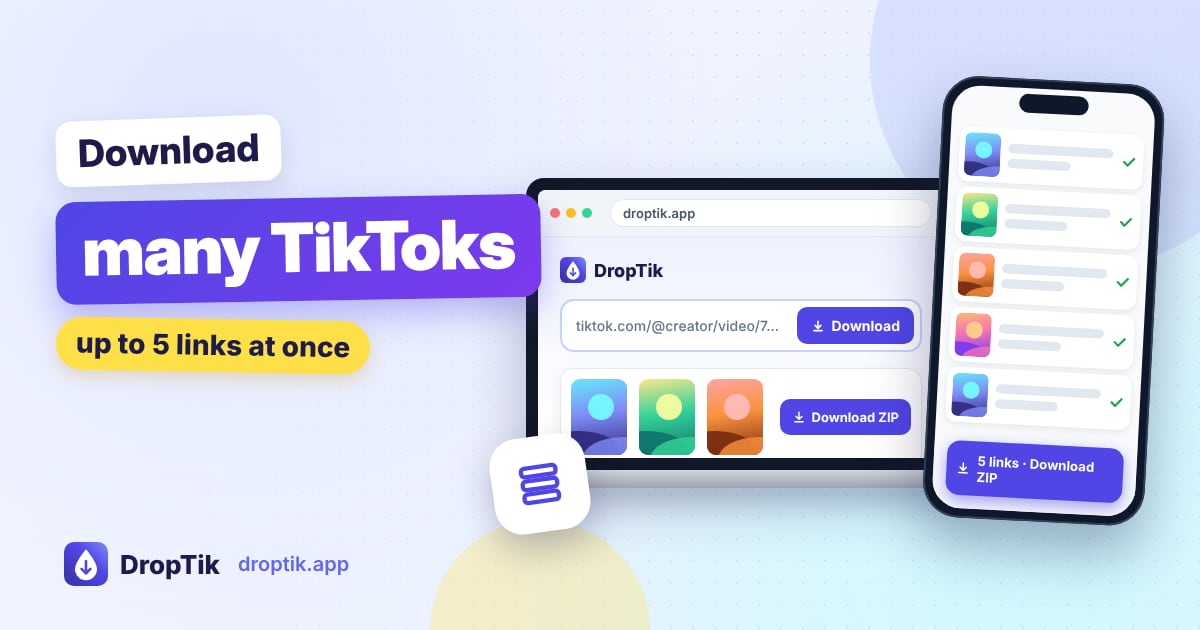
Save several TikTok videos and photo slideshows in one go, without the watermark. How to collect links quickly, run batches of five, and handle links that fail.