


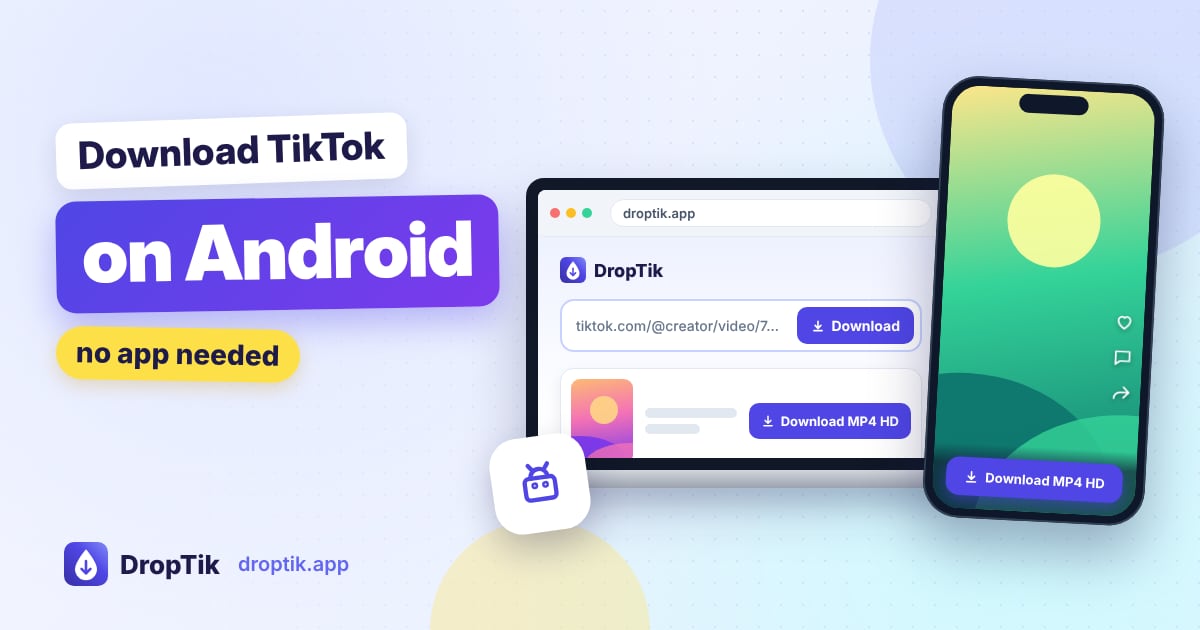
Android makes this easy: download the TikTok in your browser and the video lands in your Downloads folder, where your gallery app usually finds it on its own. There's no extra step like on iPhone. This guide walks through it with Chrome, covers Samsung phones, and explains what to check when a video doesn't turn up.
All you need is a browser and DropTik. No app to install, and you never sign in to TikTok.
Step 1: Copy the TikTok link
Open the TikTok app and find the video. Tap the Share arrow on the right, then tap Copy link. A small "Copied" message usually pops up at the bottom of the screen.
You can also use links that friends send you in WhatsApp, Zalo, Messenger or any other chat. Long-press the link, copy it, and you're ready for the next step.
Step 2: Paste the link into DropTik
- Open Chrome (or whichever browser you use) and go to droptik.app.
- Tap Paste inside the box. If the button doesn't work, long-press the box and choose Paste.
- Tap Download. After a few seconds, DropTik shows what you can save from that post.
Important: open DropTik in a real browser, not inside another app. If you tapped a DropTik link in Facebook, Instagram or Messenger, you're in that app's built-in browser, and downloads often silently fail there. Use the three-dot menu and choose Open in Chrome.
Step 3: Pick your file and download
Choose the version you want:
- HD video if it's listed, for the sharpest picture.
- Standard video if you'd rather have a smaller file.
- MP3 if you only want the sound. The TikTok to MP3 tool goes straight to that option.
Tap Download next to it. Chrome shows a download notification at the bottom of the screen, and the file goes into your Downloads folder.
Where the video goes on Android
On almost every Android phone, browser downloads go to a folder called Download in your internal storage. Here's how to get to it:
- Chrome: tap the three-dot menu at the top right, then Downloads. Tap the video to play it.
- Files by Google: open the app and tap Downloads.
- Samsung phones: open My Files, then Downloads. In the Gallery app, look for an album called Download.
- Xiaomi, Oppo, Vivo and others: open the File Manager app and look for Downloads, or check the Gallery's albums.
Files from DropTik have names starting with droptik.app, so you can search for "droptik" in your file manager if you can't spot it.
Most gallery apps show new videos from the Download folder automatically. If yours doesn't, open the video once from your file manager, or move it into the DCIM or Movies folder.
Saving to an SD card
If your phone has a memory card and internal storage is tight, you can send downloads there. In Chrome, open Settings, then Downloads, and choose the download location. The SD card option appears only when a card is inserted. You can also move videos later with your file manager: long-press the file, choose Move, and pick a folder on the SD card.
Using Samsung Internet or other browsers
Samsung Internet, Firefox, Opera, Brave, Cốc Cốc and Edge all work the same way: paste the link, tap Download, choose your file. They all save to the same Download folder by default. If your browser asks where to save the file, pick Download so you'll know where to find it.
Some browsers have built-in ad or tracker blocking that is very strict. If the Download button does nothing, try turning the blocker off for droptik.app or use Chrome.
Saving photo slideshows and several videos
For photo posts, use the TikTok photo downloader. You can save pictures one by one or as a single ZIP file. To open a ZIP on Android, tap it in Files by Google (or your file manager) and choose Extract; the pictures go into a folder next to it.
If you've got a handful of TikToks to save, the bulk downloader takes up to five links at once. Chrome may ask once whether droptik.app can download multiple files; tap Allow.
When the download doesn't work
The Download button does nothing
You're most likely in an in-app browser, or a strict ad blocker is getting in the way. Open the page in Chrome and try again.
DropTik shows an error for the link
Check that the video is public and still online by opening the link in your browser. Private videos, friends-only videos and deleted videos can't be downloaded. Also make sure you copied a video link and not a profile or sound page. If the video is public and plays fine, wait a minute and tap Try again.
The download fails halfway
Usually it's a weak connection or a full phone. Check your storage in Settings, free up some space, and try again on Wi-Fi if you can.
I can't find the video afterwards
Open Chrome's menu, then Downloads. Every file Chrome saved is listed there, and you can tap one to see where it is. If you used a different browser, check that browser's own downloads list.
The video has no sound
If the TikTok was muted because of a music copyright claim, the download will be silent too. Check the video in the TikTok app; if it has no sound there, there's nothing to recover.
Is it fine to download TikToks?
Saving public videos for yourself is a common personal use. Just don't repost other people's videos as your own or use them commercially without permission, and credit the creator if you share anything.
Frequently asked questions
Do I need a TikTok downloader app from the Play Store? No. A browser does the job, and it avoids installing apps that ask for permissions they don't need.
Does it work on Android tablets? Yes, exactly the same way.
Can I choose where downloads are saved? In Chrome, go to Settings, then Downloads, and turn on Ask where to save files. Chrome will then let you rename each file and choose between phone storage and an SD card.
Will the video play in my gallery? Yes. TikTok downloads are MP4 files, which almost every Android gallery and video player can play.