


















Is DropTik free?
Yes. You can download TikTok videos, MP3s and photos without paying and without creating an account.
Paste a TikTok link to save the video without the watermark, in HD. No app, no login.
TikTok does have a Save video button, but the file you get has the TikTok logo and the creator's username bouncing around the frame. That's fine for a quick look, but it gets in the way when you want to keep a recipe for later, cut a clip into your own edit, or watch something on a bigger screen.
DropTik takes a different route. You give it the link to a public TikTok, and it fetches the clean version TikTok streams in the app, the one without the watermark. You get to choose what you want from that post: the video in the best quality TikTok has, the sound on its own as an MP3, or every picture from a photo slideshow. It runs in your browser, so there's no app to install and no TikTok login to hand over.
If you only want the music from a trending sound, go straight to our TikTok to MP3 tool. For photo posts, the slideshow photo downloader lets you save every picture at once. And if you've got a handful of links to get through, the bulk downloader takes up to five at a time.
On Android, Chrome saves the video to your Downloads folder. Open the Files app (or Files by Google) and look under Downloads; most gallery apps also pick it up within a minute or so.
On iPhone and iPad, Safari saves downloads to the Files app first, not to Photos. Open Files, go to Downloads, tap the video, then tap the Share button and choose Save Video. After that, it sits in your Photos library like any other clip.
On a Windows PC or Mac, the file lands in your usual Downloads folder. Files from DropTik start with droptik.app in the name, so they're easy to spot.
Most problems come down to the link or the post itself. Private videos, friends-only videos and posts from private accounts can't be downloaded, because DropTik only sees what anyone without a login can see. The same goes for videos that have been deleted or are blocked in some countries. For every possible cause, see why a TikTok won't save.
If you get an error, first check that you copied the link to the video itself and not to someone's profile. Then open the link in a browser to make sure the video still plays. If it does and DropTik still can't load it, wait a minute and tap Try again; TikTok sometimes slows down requests for a short while.
One more thing: if TikTok muted a video because of a music copyright claim, the file you download will be silent too. DropTik can only save the sound that TikTok is still playing.
A common snag: if you opened DropTik from inside Instagram, Facebook, Messenger or another app, you're using that app's built-in browser, and those often block downloads. Nothing happens when you tap Download. Tap the three dots or the compass icon in the corner, choose to open the page in Safari or Chrome, and try again.
Most downloads are pretty ordinary. People keep cooking videos so they can follow along in the kitchen without scrolling back through their feed. They save workout routines and language lessons to watch on the train with no signal. Small businesses keep a copy of their own posts as a backup, and video editors grab their own clips to cut into a longer YouTube video.
Whatever the reason, the same rule applies: what you save is still the creator's work. Keep it for yourself, or ask before you share it, and tag the creator if you post it anywhere.
DropTik is built around TikTok, but the same box also accepts links from a few other platforms, such as Facebook and Instagram. You can see the full list on our supported sites page.
No legitimate tool can download someone else's private TikTok, and sites that claim to are often scams. Why, how to spot them, and what to do with your own.
Saved TikTok plays silently? Find out whether TikTok muted it, your device is the problem, or the file needs another player, and how to get audio back.
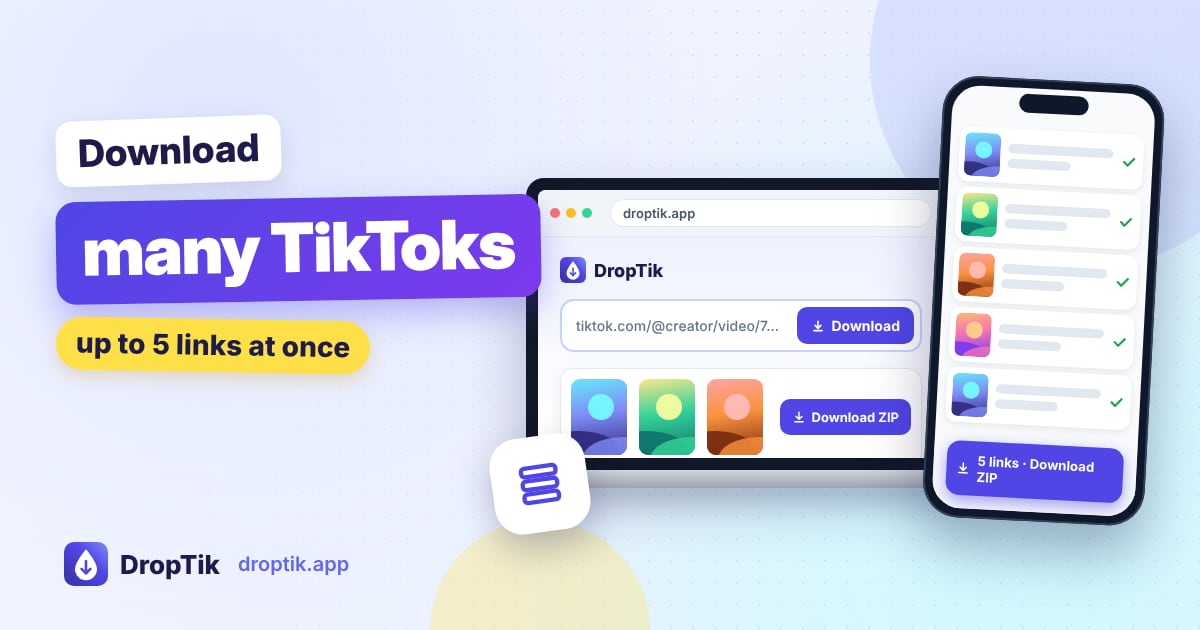
Save several TikTok videos and photo slideshows in one go, without the watermark. How to collect links quickly, run batches of five, and handle links that fail.